-
Tiny tunes app android
Tiny Tunes is a free music player and downloader app for Android devices. It allows you to search and download songs from the internet and create playlists to play your music. You can also stream music online and listen to radio stations. The app has a simple and easy-to-use interface, and it supports various audio formats such as MP3, WAV, and M4A. You can use Tiny Tunes to discover new music and artists, or to listen to your favorite songs on the go.
Where download tiny tunes app for android

You can download Tiny Tunes for Android from the Google Play Store. Here are the steps:
- Open the Google Play Store app on your Android device.
- In the search bar, type “Tiny Tunes” and press Enter.
- Select the app from the search results.
- Tap the “Install” button to begin the download process.
- Wait for the download and installation process to complete.
- Once the app is installed, you can launch it from the app drawer on your device.
- In your browser, download the TinyTunes .APK file here: TinyTunes 1.16.2 APK Download
Alternatively, you can also download the Tiny Tunes APK file from a third-party website and install it manually on your device. However, it’s important to be careful when downloading apps from external sources, as they may contain malware or other malicious software.
-
Where to download wallpaper on an Android smartphone? Help 3D wallpaper

Where to download wallpaper on an Android smartphone? Help 3D wallpaper.
The desktop background is a fickle thing. Today he is one, and tomorrow he will be completely different. The 3D wallpaper application will allow you to change pictures depending on your mood . It has a nice collection of high quality images, and it only takes a few taps to set the background.
The developers offer not to wait and immediately get down to business. The application shows the finished wallpaper. At the top right is the serial number of the picture, while the navigation button is located at the top left. With it, you can go to new images, top picture or favorite wallpaper.
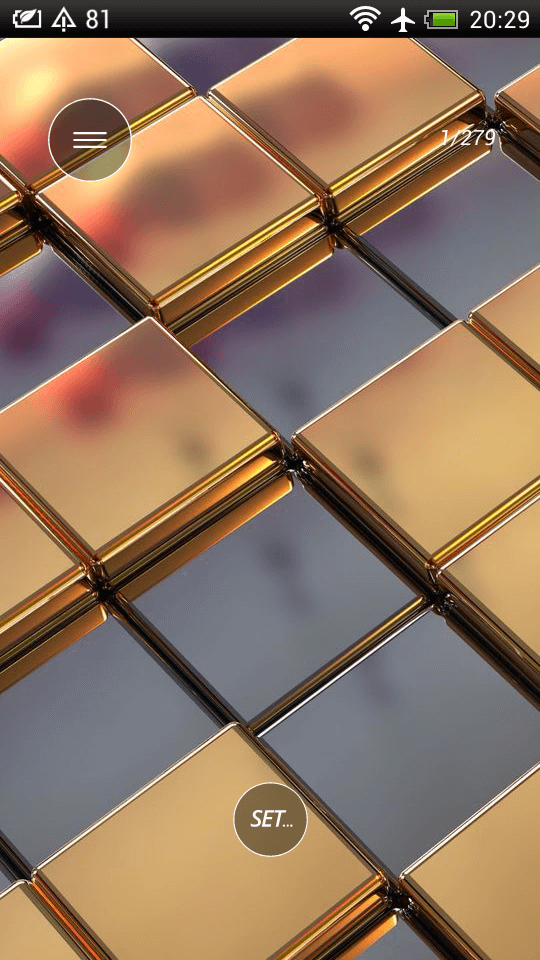
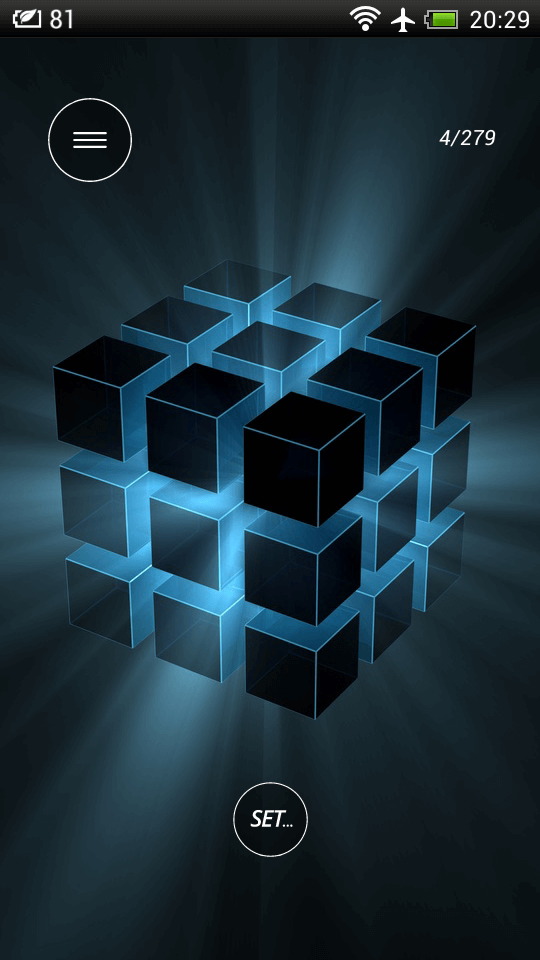
Images are swiped. If we want to go to a certain picture, we enter its number in the counter.
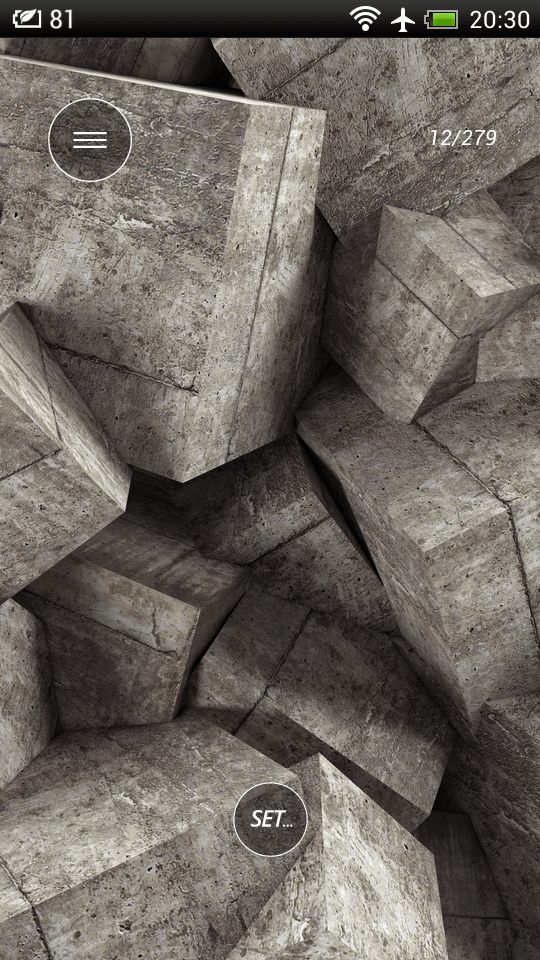
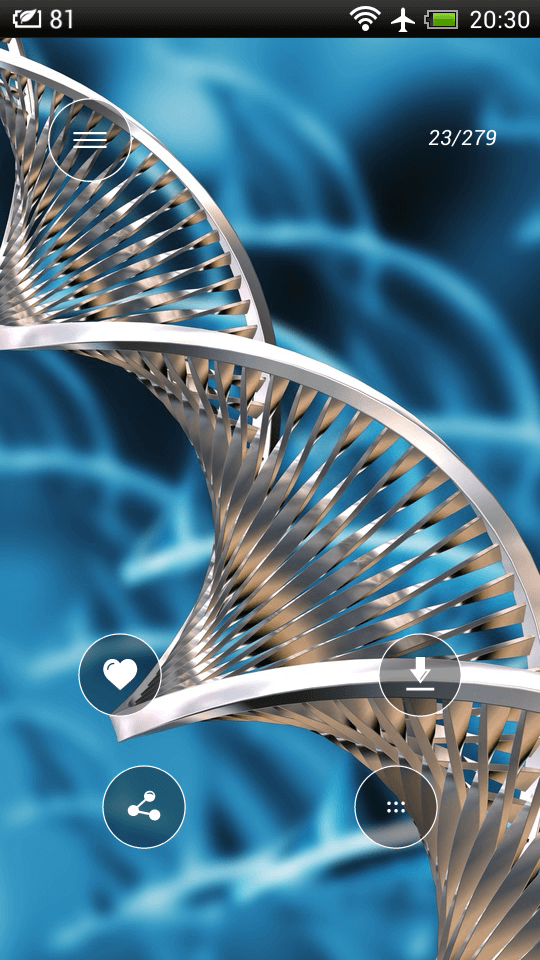
Let’s say you like the photo. In this case, click on the “Set” button and select the following actions. You can like the picture, share it with friends, save it to the gallery or set it as wallpaper right away. The size of one of the uploaded pictures is 2306 x 4096 pixels, not bad.


The application works when connected to the network, so it shows ads. Usually short clips are visible before downloading a file or transferring it to the desktop.
3D wallpapers are a good option to diversify the life of your smartphone. The program will add new colors to the desktop and will not let you get bored in the monotony of design.
Application: 3D wallpaper
Developer: Wallpapers4K
Category: Tools
Price: Free
Download: Google Play
-
Particle Live Wallpaper – live wallpaper for Android + pocket antistress

Particle Live Wallpaper – live wallpaper for Android + pocket antistress.
Life does not skimp on reasons for stress. They are waiting everywhere: at work, at school, and even in the family circle at home. It is unlikely that they will be avoided, but it is easy to overcome them. Particle Live Wallpaper will help with this . The application will captivate with the likeness of a kaleidoscope and will allow you not to get hung up on difficulties.
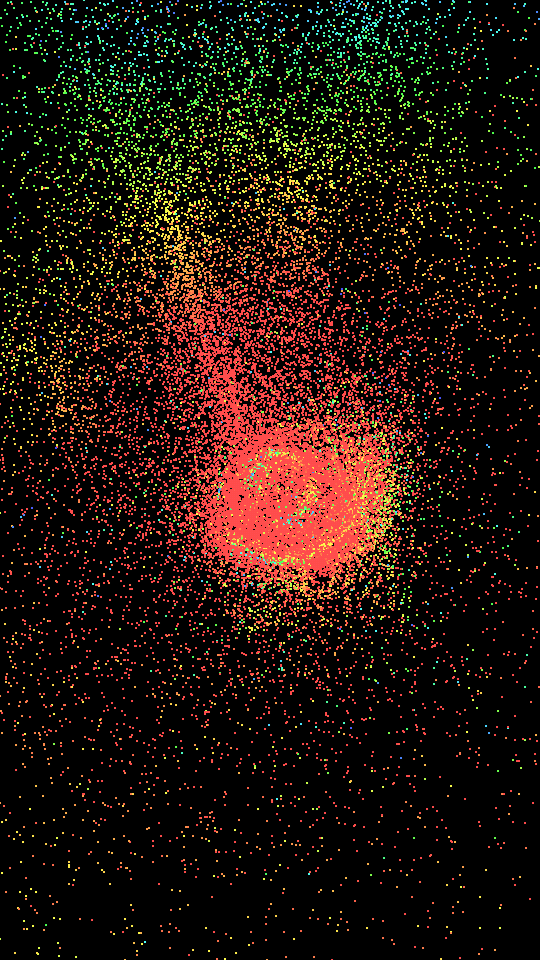
The meaning of the program is hidden in the name. “Particle” is translated as “particle”, so we get beautiful animations from small multi-colored grains from the application. They fly across the display and form various shapes. Looks beautiful.
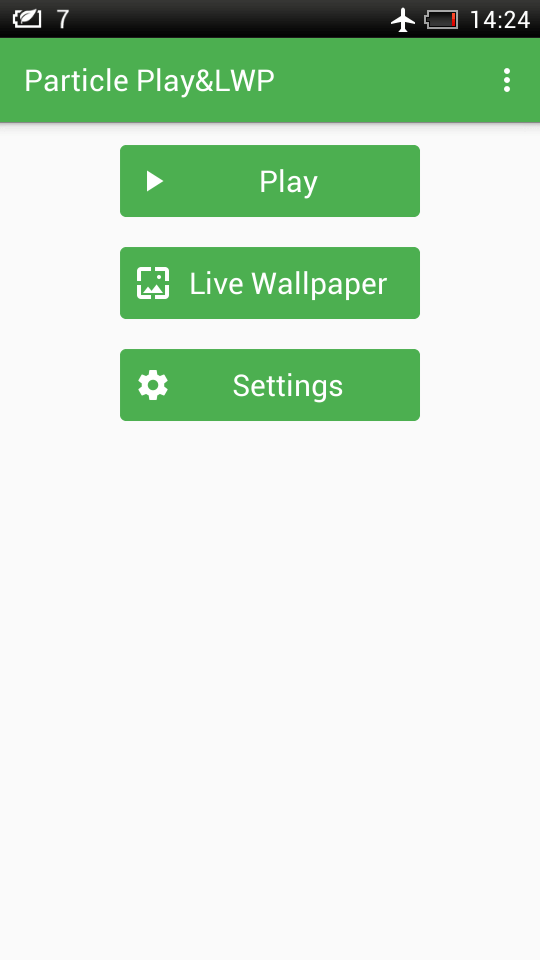
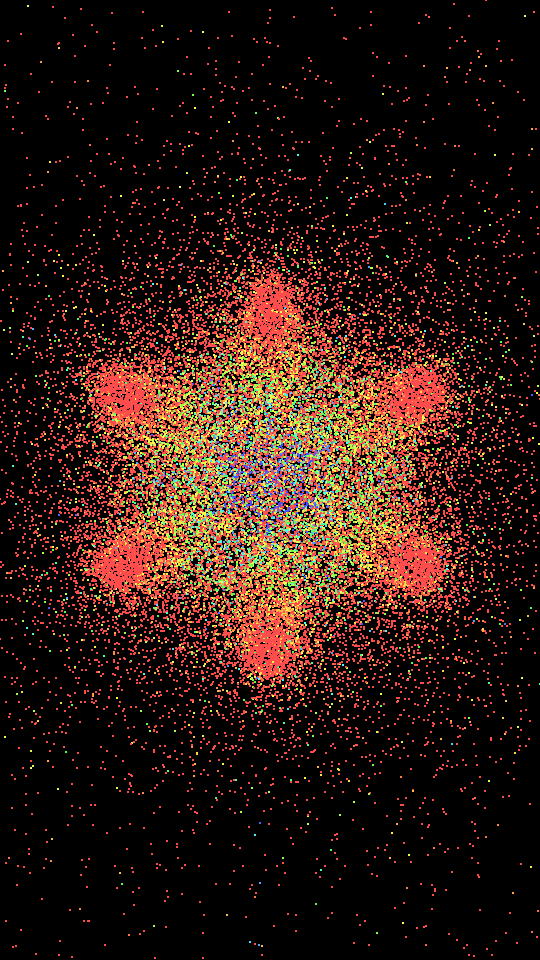
Particle Live Wallpaper works in two modes: animation demonstration and live wallpaper. In the first case, we get a separate image with which we can interact. Particles fly after the finger and turn into new forms.
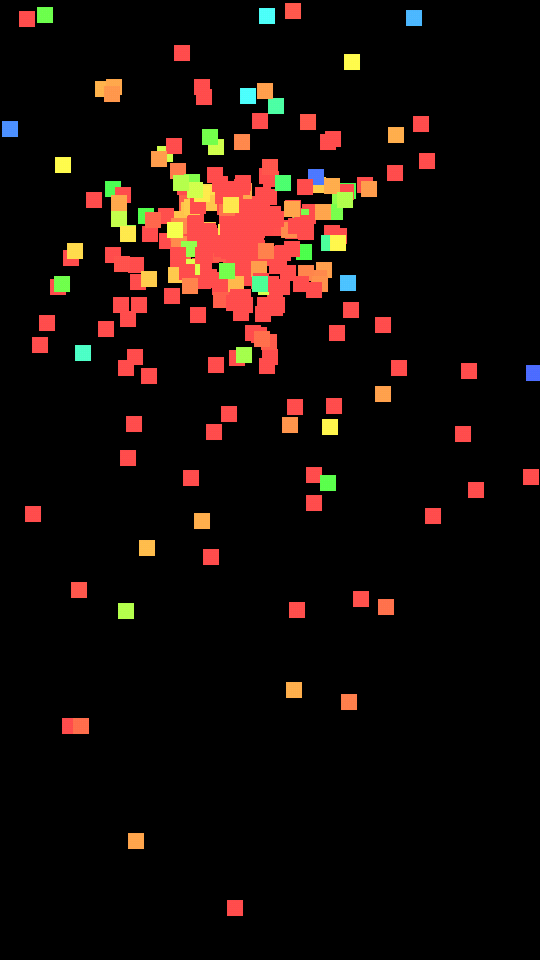
The content of the screen is adjustable in the settings. Here you can choose the size of the grains, their number, colors and other parameters. You can customize any little thing.
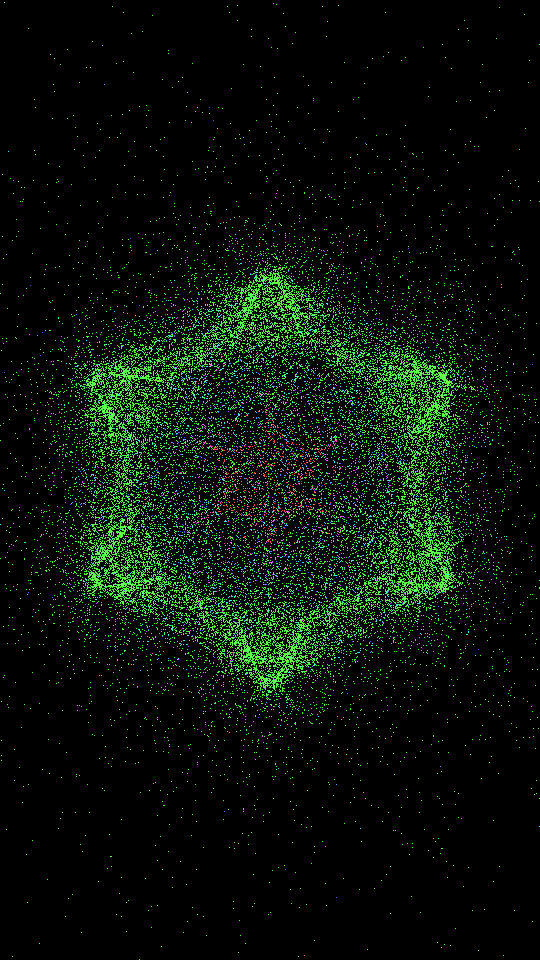
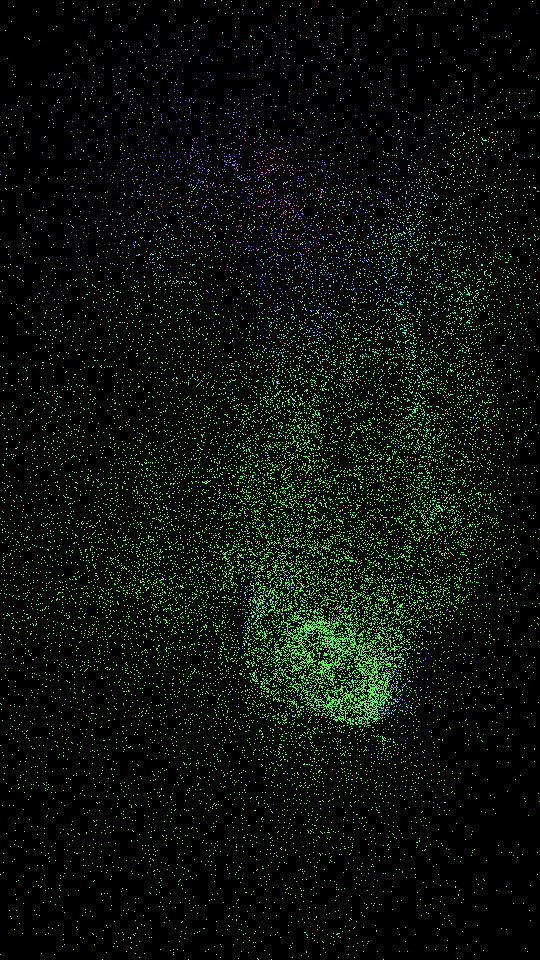
In live wallpaper mode, the “kaleidoscope” appears on the desktop. You can also play with it with your finger, and this applies not only to the main screen, but also to the menu. The main thing is not to accidentally touch unnecessary icons.
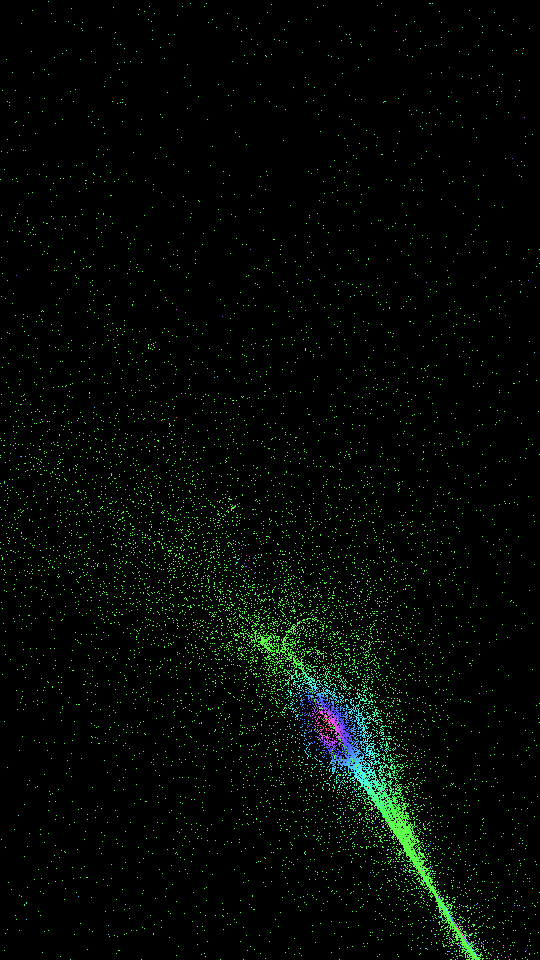
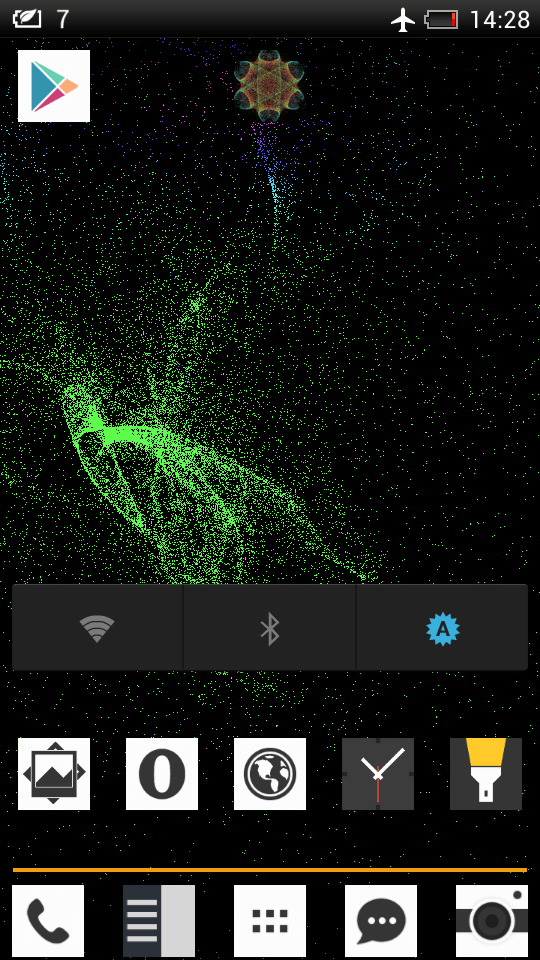
According to the developers, Particle Live Wallpaper will help you stay calm and peaceful. The application will give a lot of aesthetic pleasure from viewing images and cheer you up.
Application: Particle Live Wallpaper n Play
Developer: Rubbish Collector
Category: Entertainment
Price: Free
Download: Google Play
-
How to count ducks and not get lost

How to count ducks and not get lost.
To tell the truth, I didn’t even know about the existence of such applications in Google Play . What is the ” Counter ” and most importantly – why? After downloading the application, everything fell into place.
Imagine a situation where you need to calculate something. For example, the number of people present at a meeting, forum, and so on. There are many use cases. The main advantage is that now you do not need to count anything in your mind. Firstly, you can easily get lost and have to count again, and secondly, the application speeds up the counting process due to convenient interaction.
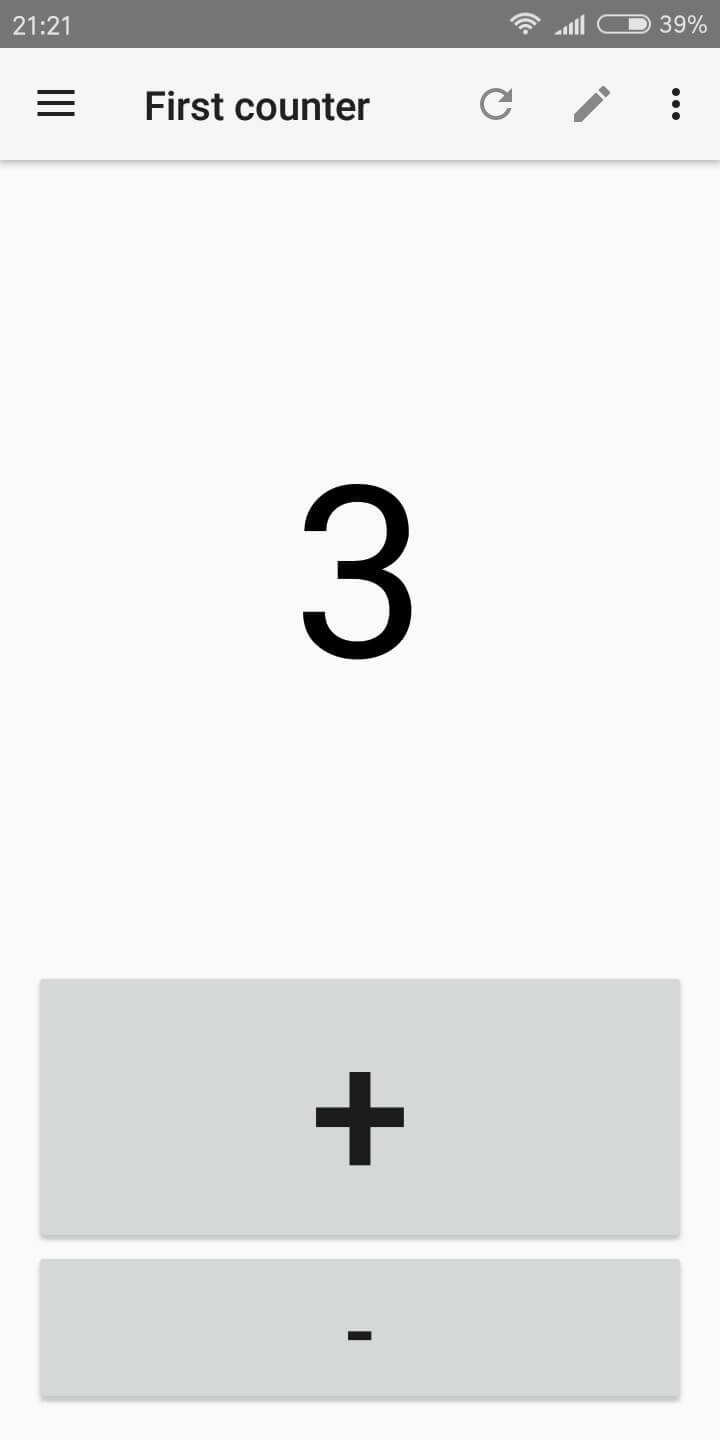
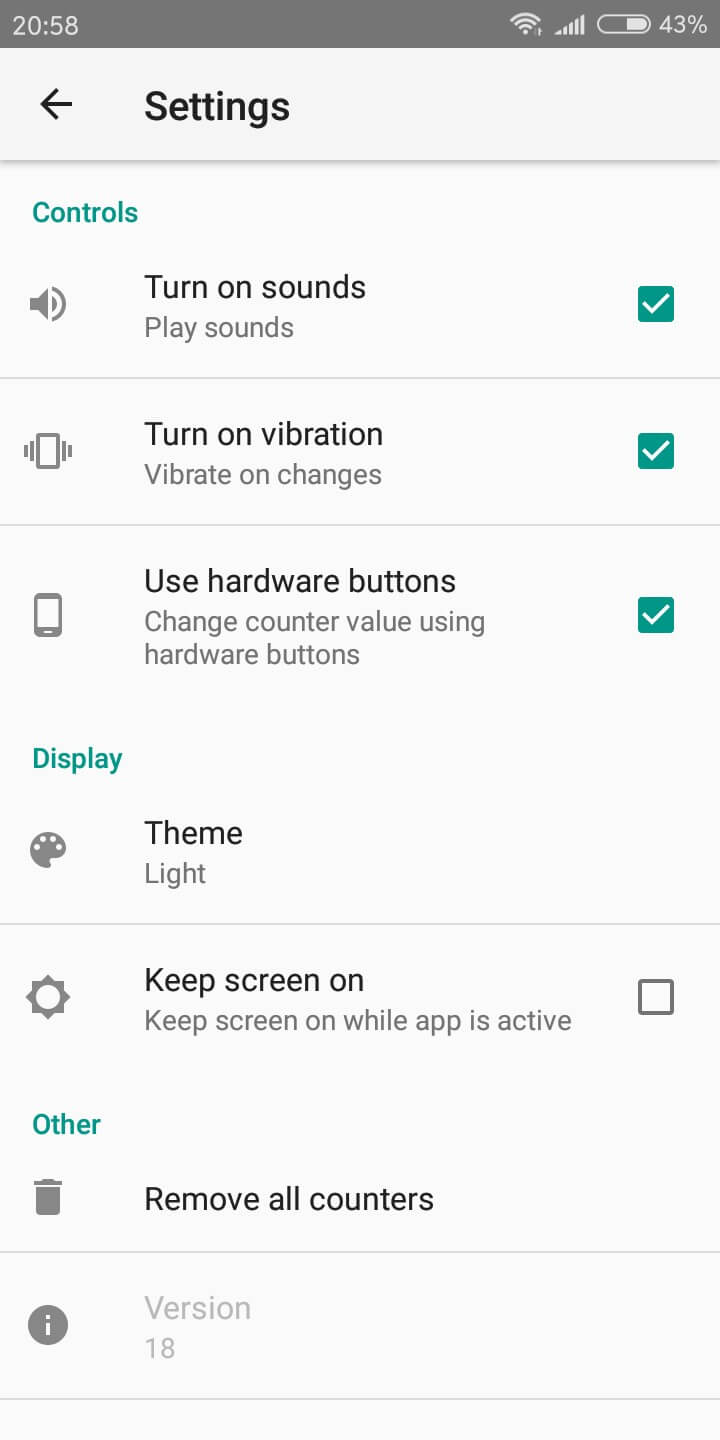
There is no need to press the “+” button every time. There is a feature in the app settings that allows you to bind software buttons to hardware volume buttons. You can count without looking at the device. Comfortable? Undoubtedly.
Of course, for isolated cases, it makes no sense to install the application, but if the profession is associated with frequent calculations, this application will be useful.
Category: Tools
Version: Varies by device
Price: Free
Download: Google Play
-
How to draw on Android? “Interactive whiteboard” to help

How to draw on Android? “Interactive whiteboard” to help.
A smartphone is not only a pocket calculator, wallet and music player, but also a good option to show creativity. This will help “Interactive whiteboard” , the name of which fully describes the functionality of the application. It offers a clean slate and unlimited creative possibilities.
“Interactive whiteboard” – a notebook that is always there. The app is suitable for a lot of cases. You can write down important information, sketch, or create an amateur meme.
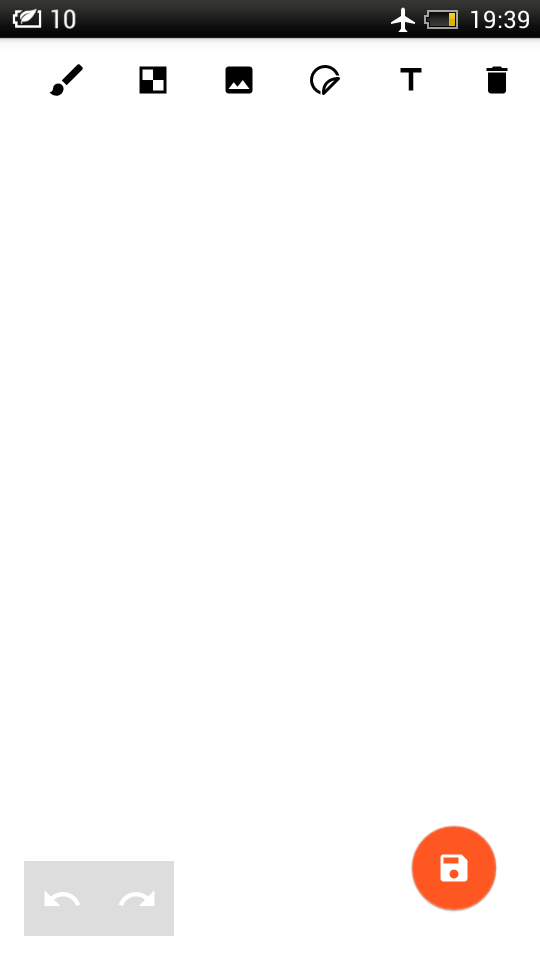
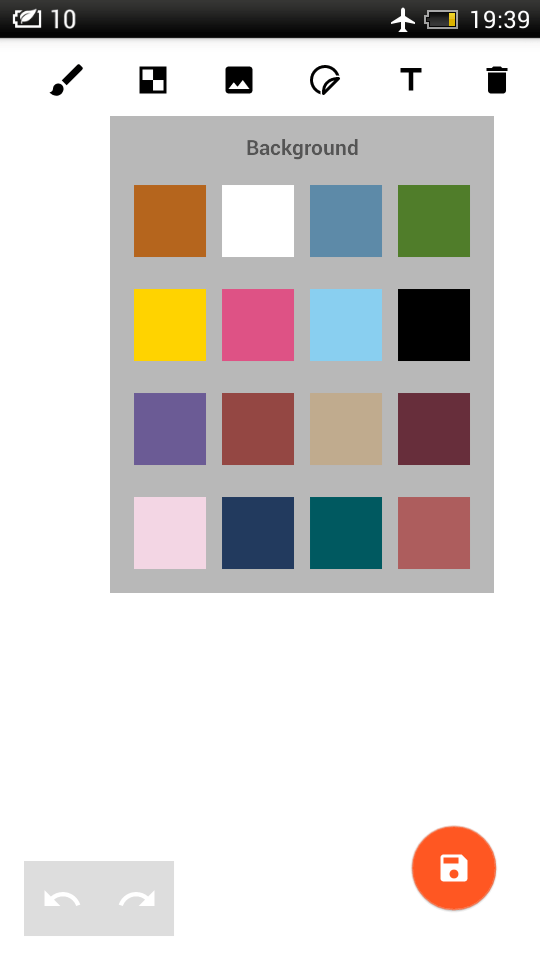
By default, we have a white sheet. We change the background color at the top, where the rest of the controls are. The first of them suggests choosing a tool like a brush, geometric shapes or an eraser.
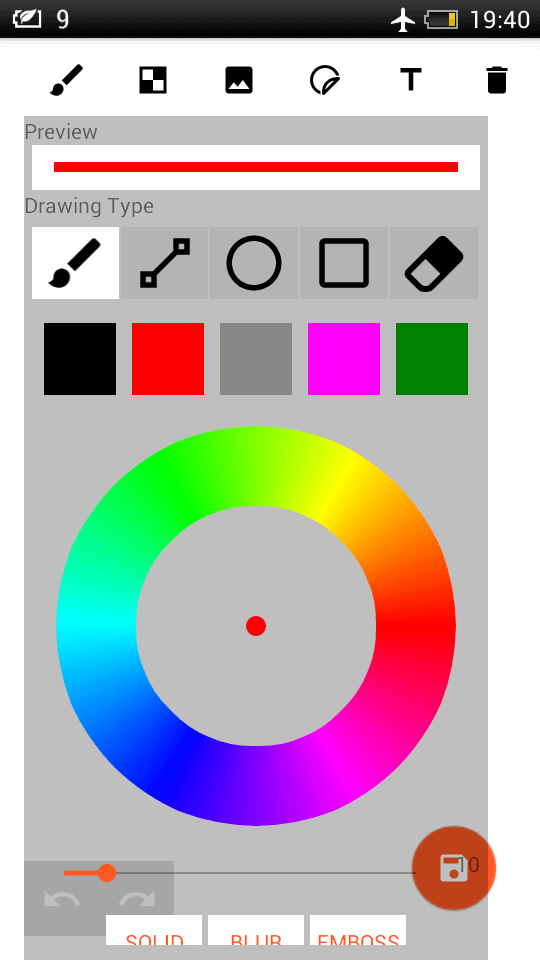
You can also insert an image from the gallery or add text.
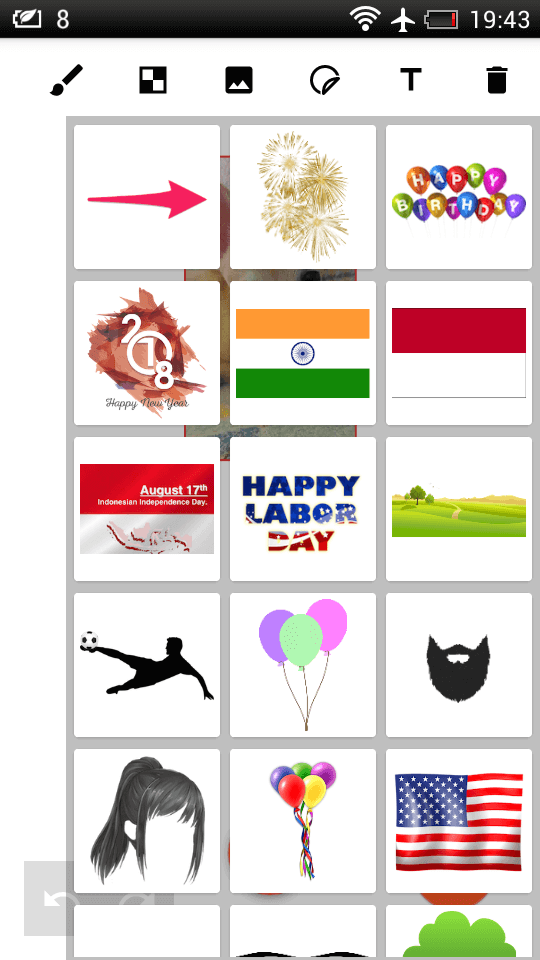
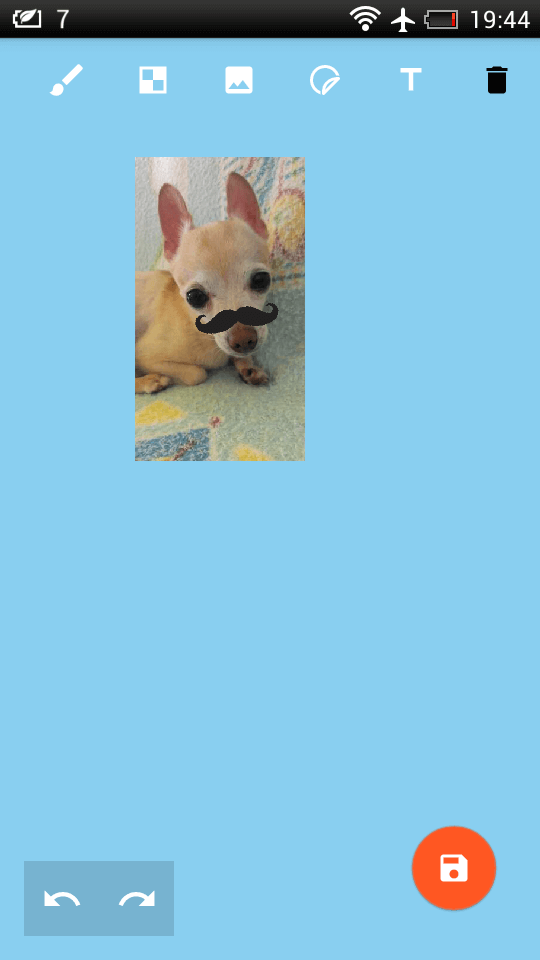
Variety in processing will bring preset images. For some reason, there is the flag of India, several stickers with balloons, a beard, a mustache and other pranks. Suitable for cartoons or just comic photo editing of friends.
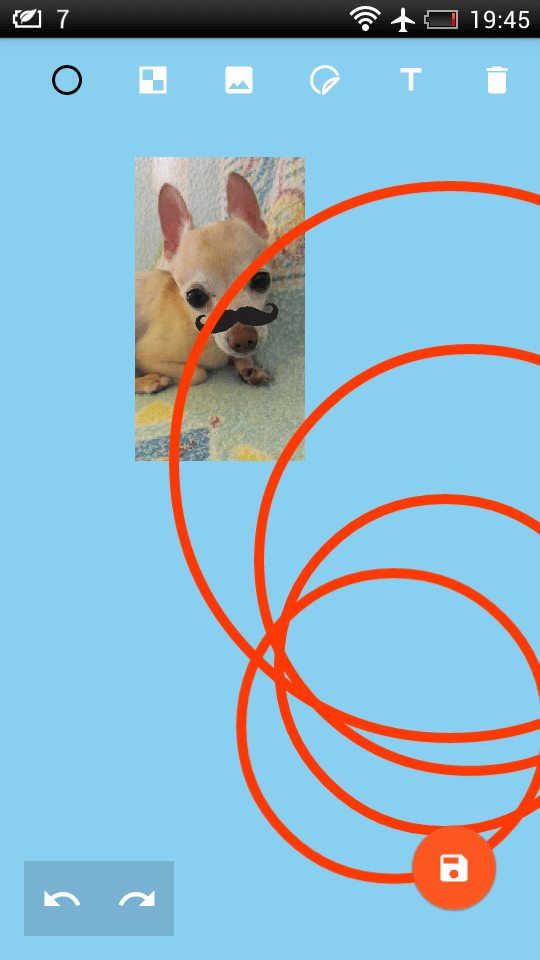
In general, the capabilities of the application do not pull on Photoshop, although you can play. For example, with the Interactive Whiteboard, you can easily create a playful greeting card for a friend or a primitive collage. But with wedding invitations, it’s not worth the risk – most likely, no one will come.
Application: Interactive whiteboard
Developer: Sharda Gohil
Category: Entertainment
Price: Free
Download: Google Play
-
Smart Alarm Clock – smart alarm clock with weather adaptation

Smart Alarm Clock – smart alarm clock with weather adaptation. Why is he smart? Ability to adapt to weather conditions. Imagine a situation when it is raining outside in the morning. As a rule, during such periods on the roads you can find a lot of traffic jams. This leads to being late for work, not every employer is able to understand their employees. But how to find a solution, because getting up every day 30-60 minutes earlier than usual due to a possible change in weather conditions is not the best time optimization. In this case, the Smart Alarm Clock app is a great option.
This application has many settings and adapts well to weather conditions. Thus, now you will never be late for work in the morning if, for example, it starts to rain.


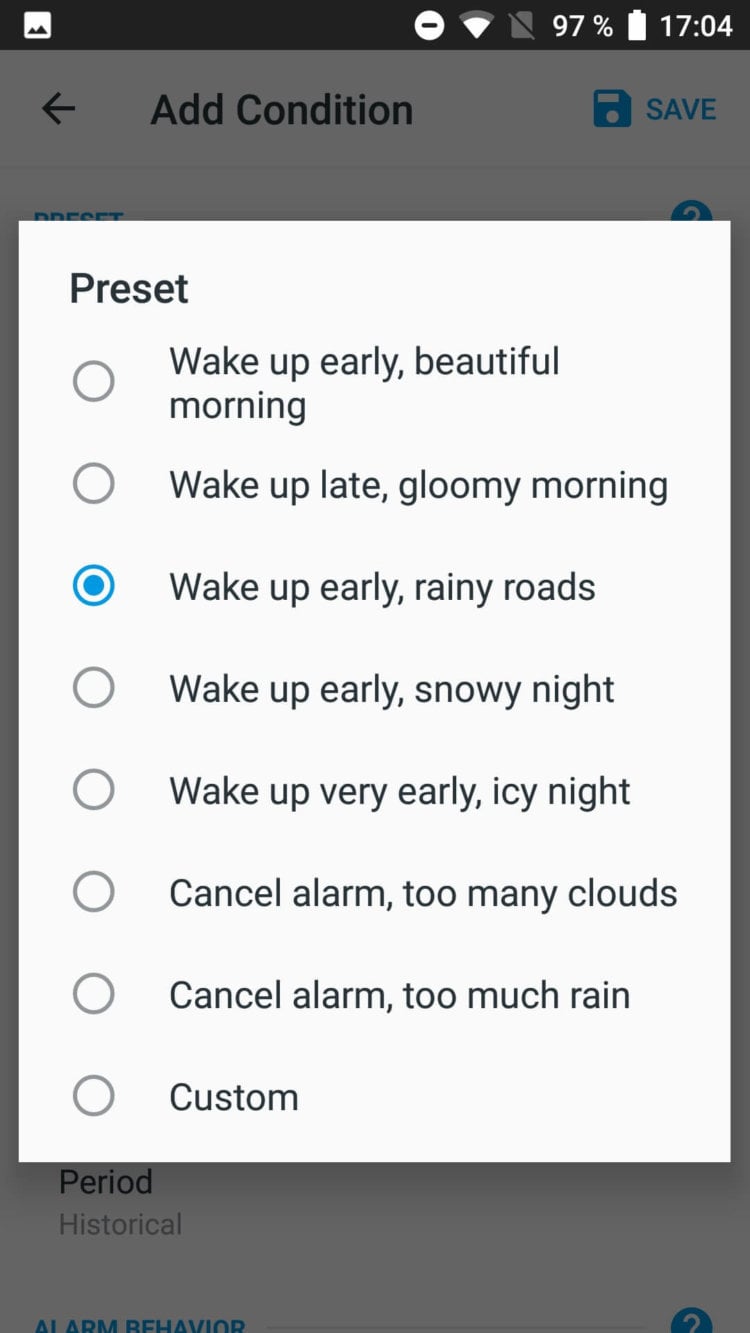
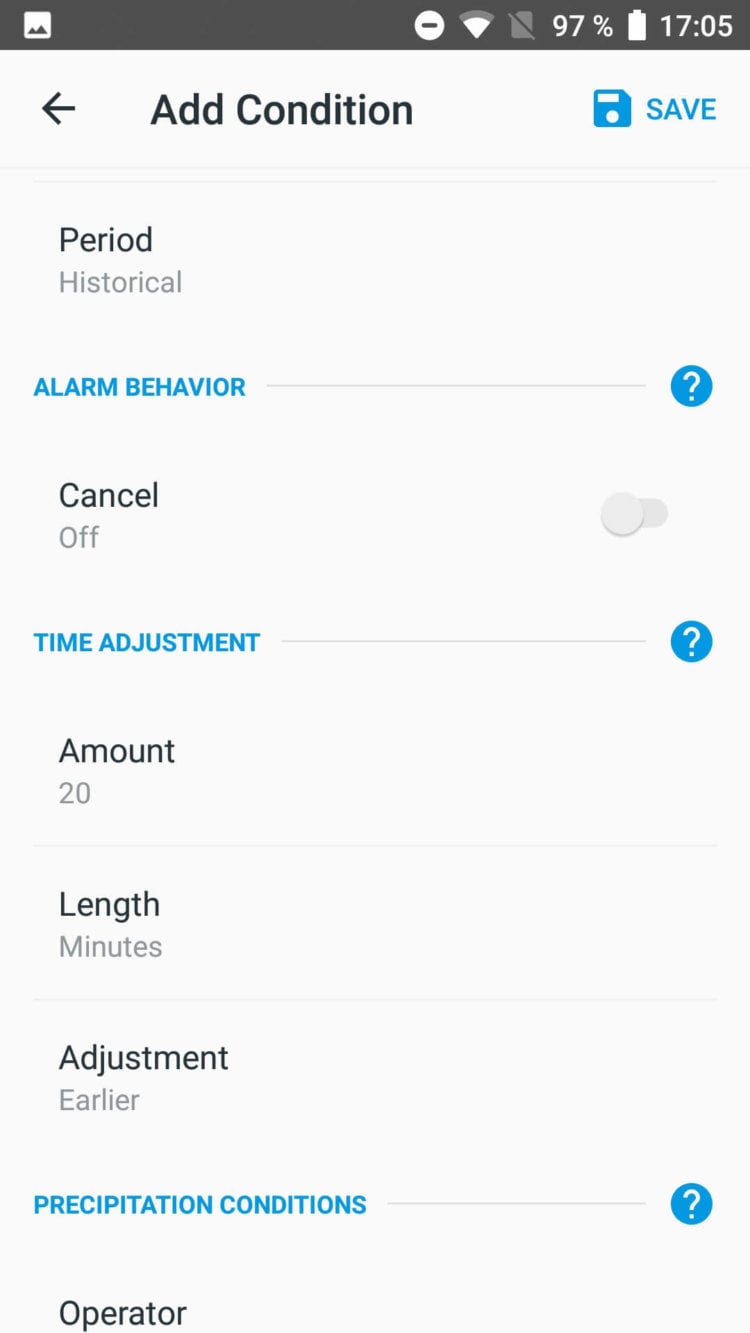
In Smart Alarm Clock settings, you can choose a theme (dark or light). But let’s move on to the settings of the alarm itself, they are much more diverse. Here, as a standard, you can select the alarm time, date, repetitions, sound, volume increase range (according to the standard from 5 to 40 units).
You can set the alarm to repeat (select the interval and number of repetitions). Well, now the most important thing is the weather settings section. Without going into details, the application offers to select a pre-created preset. Among them, for example, you can find the following: wake up earlier during rain, snow, ice. You can even cancel the alarm if it’s overcast or raining heavily outside.
Below in the settings, you can manually adjust each parameter, ranging from the type of weather, ending with the difference in the alarm time.
Application: Smart Alarm Clock – Automatic Weather Adjustments
Developer: Blue Beat Software
Category: Lifestyle
Version: 1.2.2
Price: Free
Download: Google Play
-
Tide is the best relaxation app.

Tide is the best relaxation app. When I find such amazing applications in Google Play or the App Store, I am enveloped in a real wave of inspiration and joy. It is sincerely pleasant that such projects exist. Projects with stunning design and good taste. How beautiful and pleasant to use the application, probably, I have never seen in all the time. And at such moments you understand that the system is painted by 90% software from third-party developers. The guys at Moreless have a separate website dedicated to this app , which also has an amazing design.
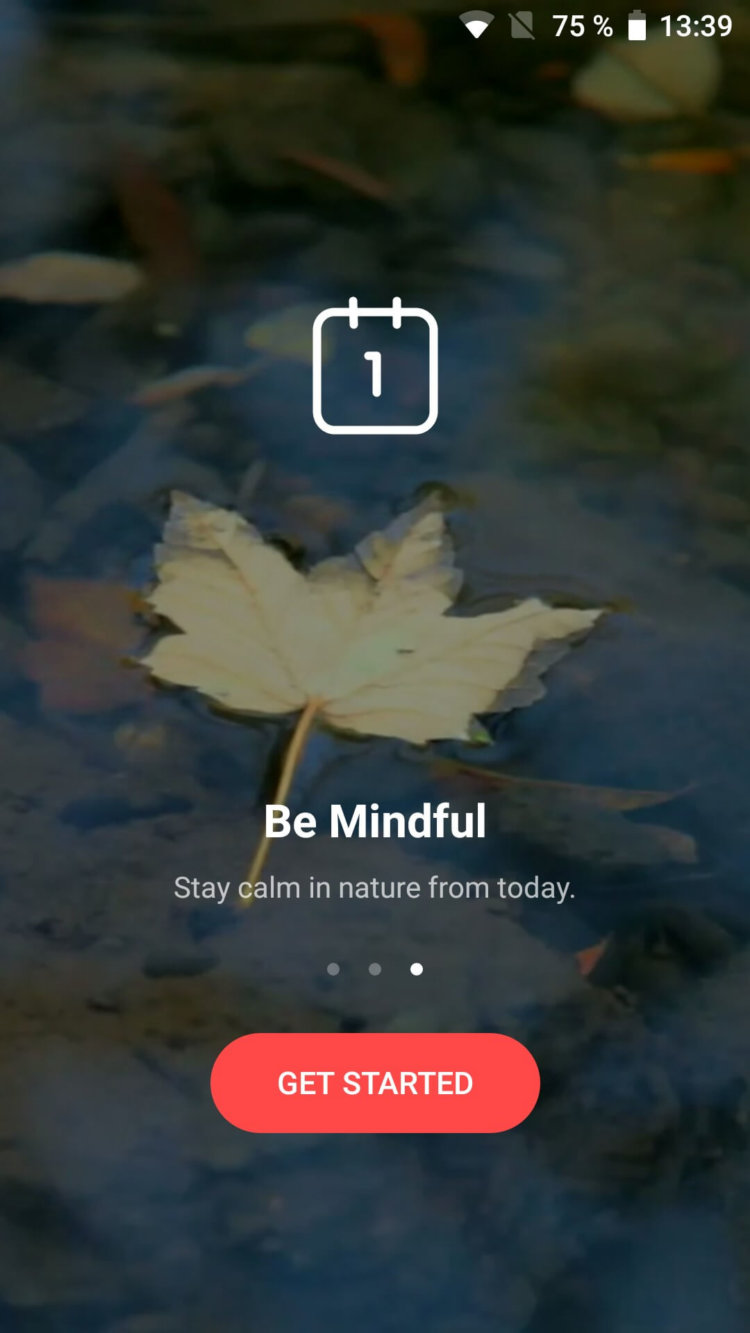
In my opinion, only creative people will be able to truly appreciate this application. Its essence is to relax the user with calm sounds and melodies. There are 3 modes: focus, sleep and breathing. Each mode has its own special interface and sounds.
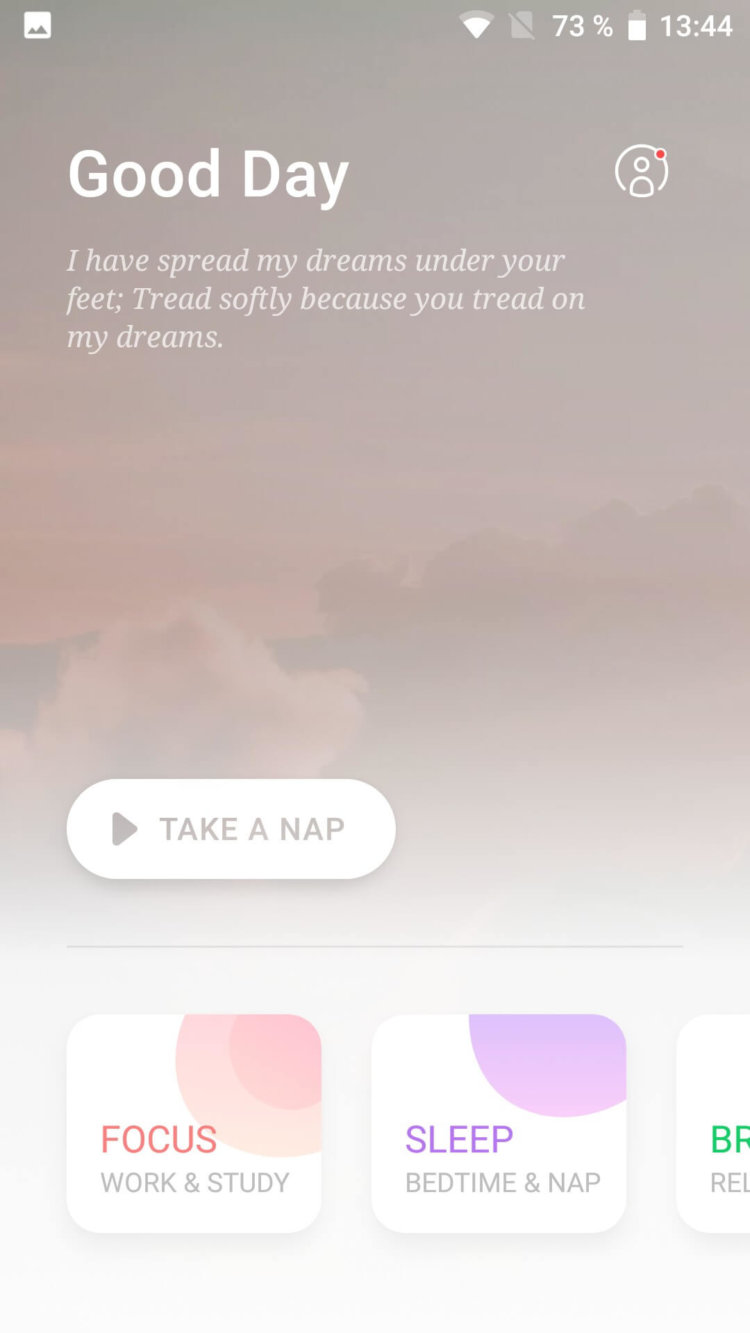
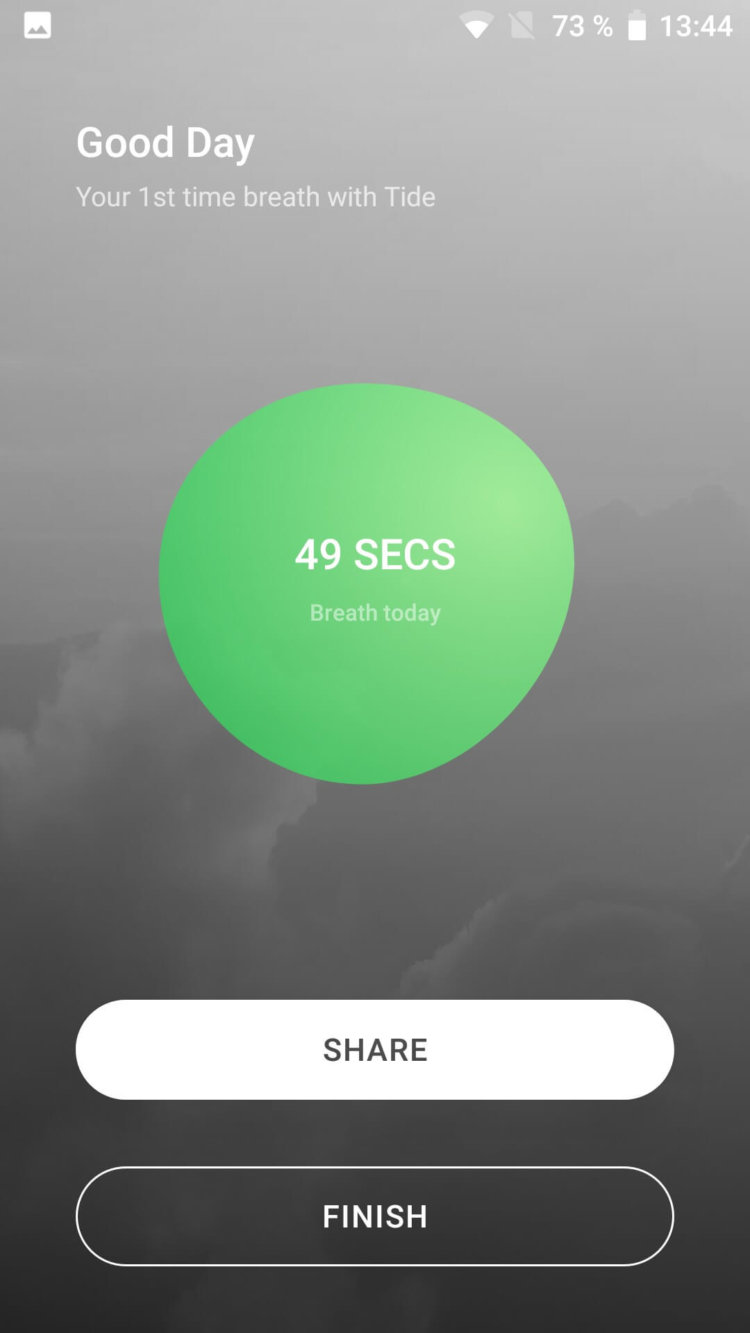
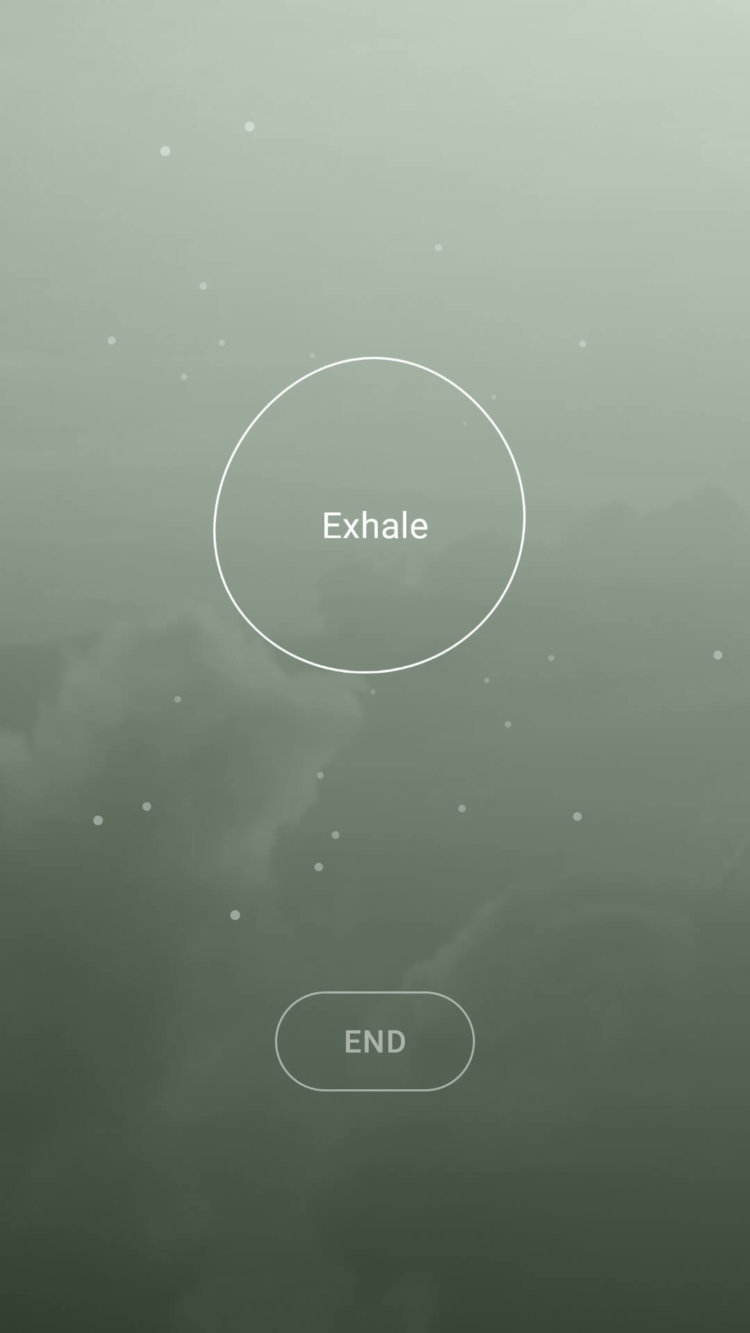
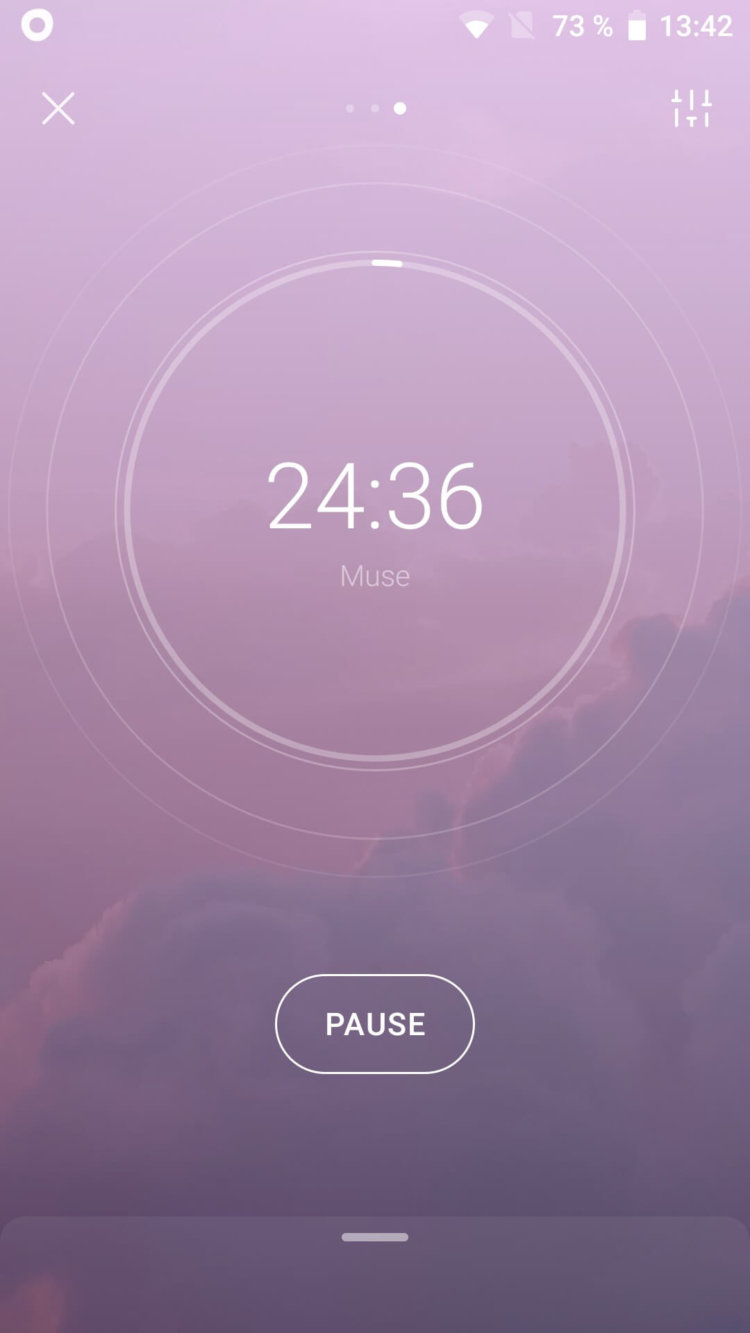
Even now, as I write this review, the phone is running this app in focus mode with a 25 minute timer and Muse tune. And this is such a well-chosen melody that you literally immerse yourself in some kind of atmosphere of a good movie that has been watched for a long time. You start to feel very calm, you become the hero of some really honest drama.
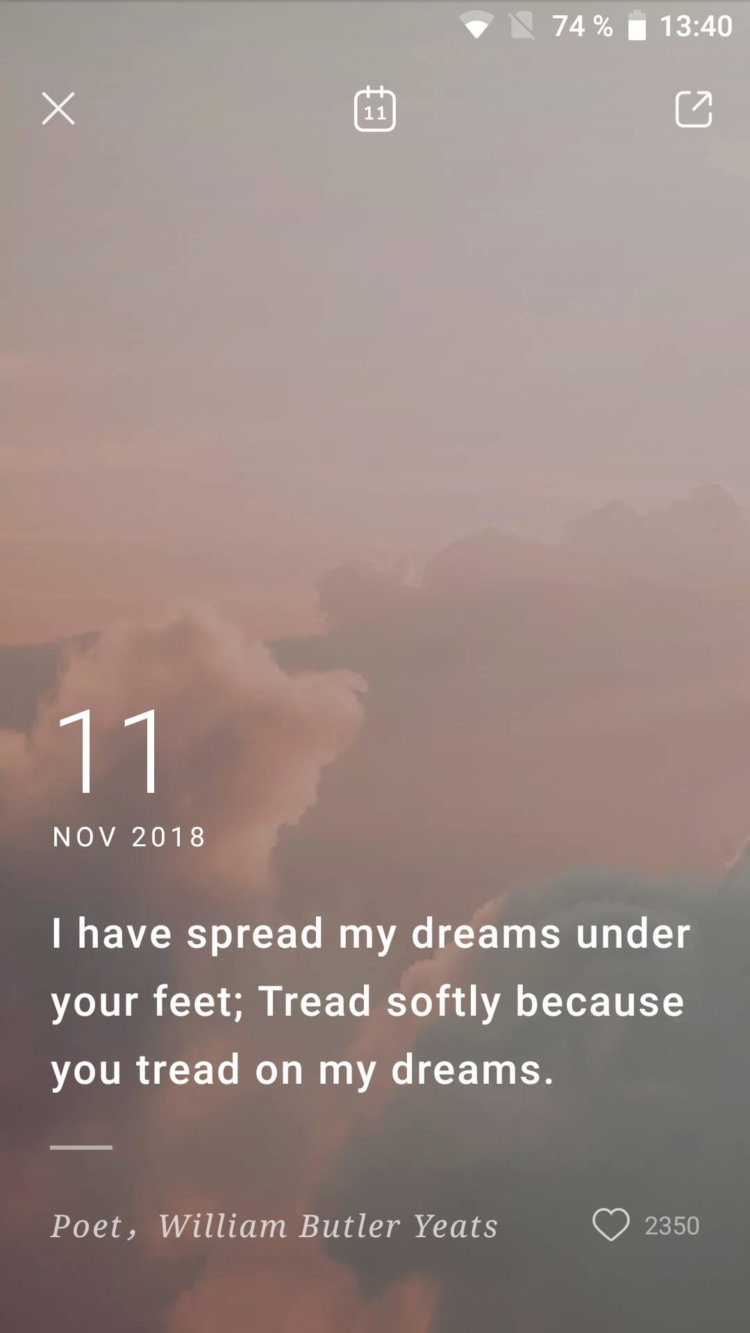
If you swipe down on the main screen of the application, a calendar will open with an interesting quote and a beautiful picture in the background. In sleep mode, you can set an alarm, after which a relaxing sound or melody will start. You can also activate the light sleep mode with a timer.
This is simply the best app I have ever used. The developers have paid so much attention to the design and sounds that one wants to be indignant. Why don’t these guys work for Google? This application is a real breath of fresh air for Android owners who appreciate the beauty of the interface among all the garbage that Google Play is so rich in and Android itself with its terrible and outdated design.
Application: Tide – Sleep Sounds, Focus Timer, Relax Meditate
Developer: Moreless, Inc.
Category: Health & Fitness
Version: 2.3.5.1
Price: Free
Download: Google Play
-
Adobe Spark Post is the best social media post design app

Adobe Spark Post is the best social media post design app. How well do you need to understand design in order to get high-quality posters for social networks or other purposes? You don’t have to be a designer to do this. It is enough to download the desired application and use ready-made tools and components. Probably the best such application is Adobe Spark Post , the review of which we have prepared for you.
The application first of all offers to use prepared templates on the main screen, which is divided into two sections: “Templates” and “My posts”. Among them you can find many interesting options. However, most users need originality, so using ready-made templates is probably not suitable for you.
In this case, you need to click on the create poster button in the lower right corner. Next, you need to select a wallpaper (there are 3 options: your own photos, free wallpapers and fill). Multiple wallpapers can be added at the same time.
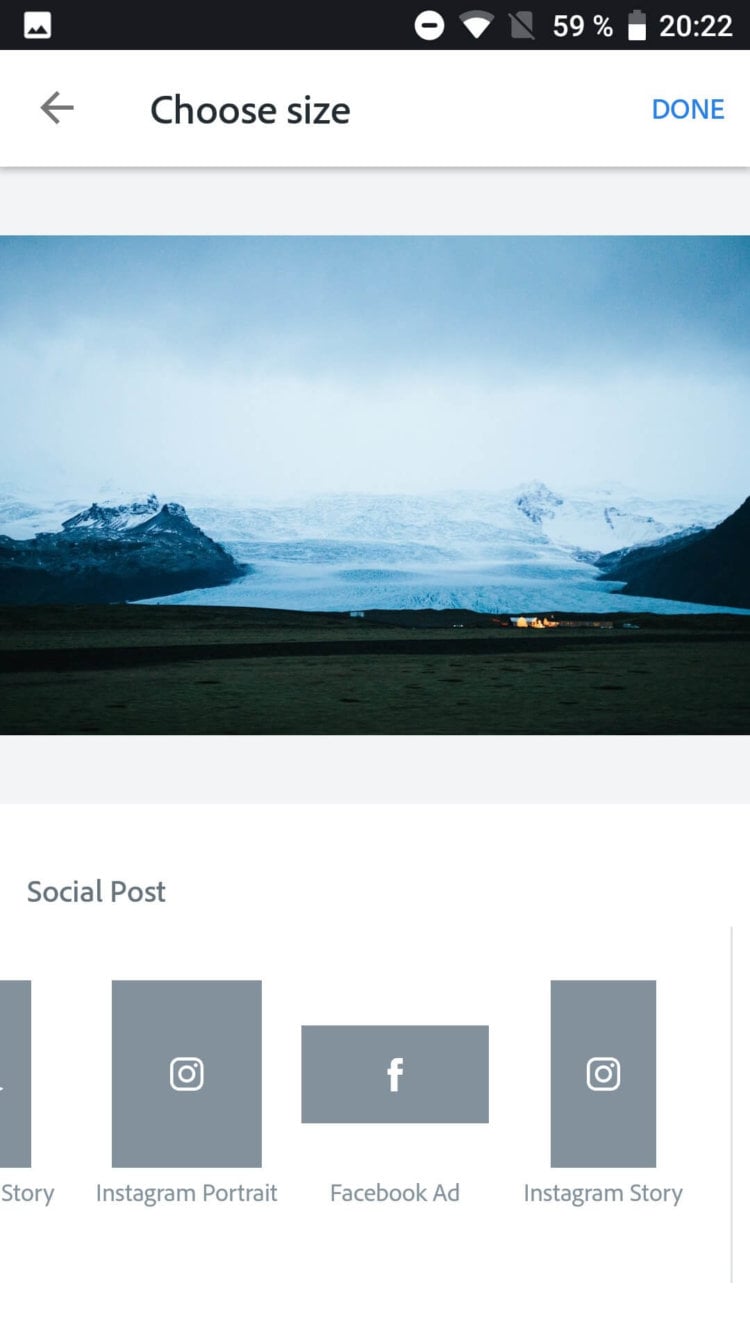
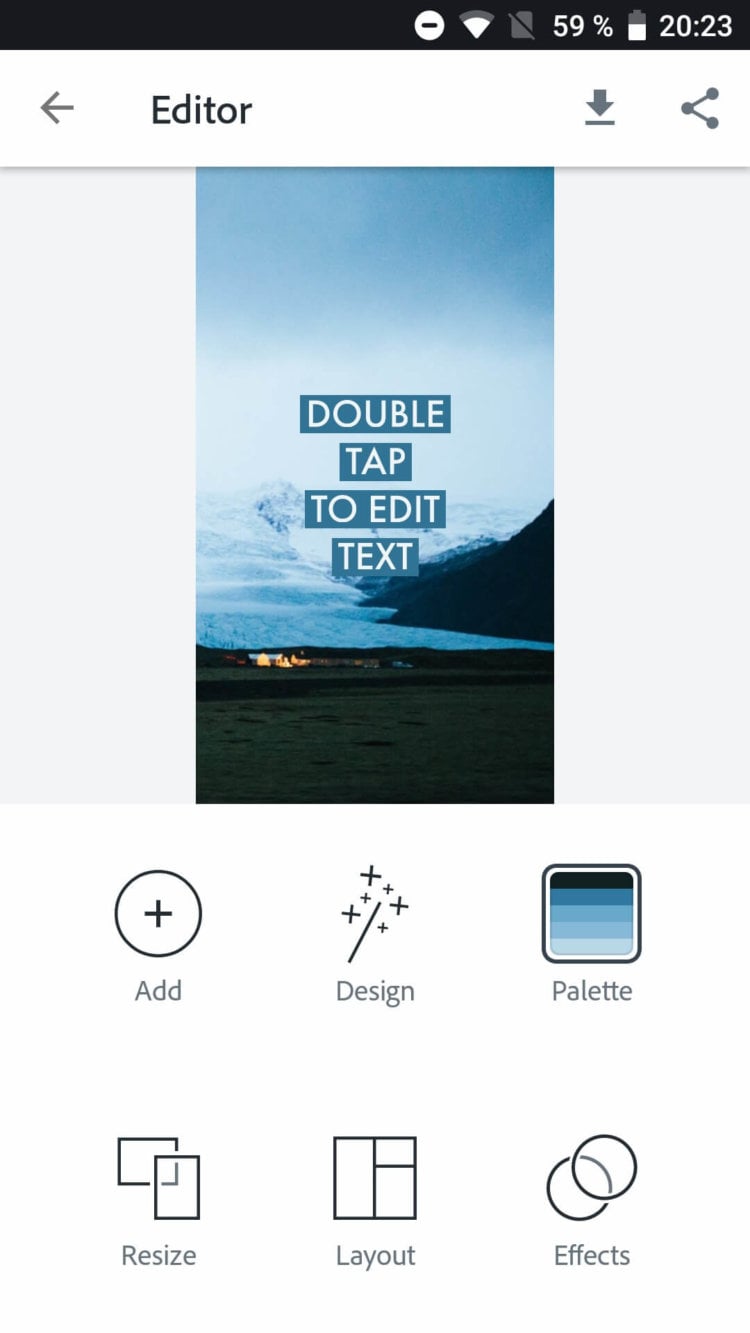
After that, you need to select the size according to the social network in which the image will be used. After selecting the size, the editor will open. The upper part of the editor allows you to view content, and the lower part allows you to edit. The first “Add” button is able to add a photo, text, icon or logo to the poster. The second button “Design” displays the prepared design solutions for an attractive text layout.
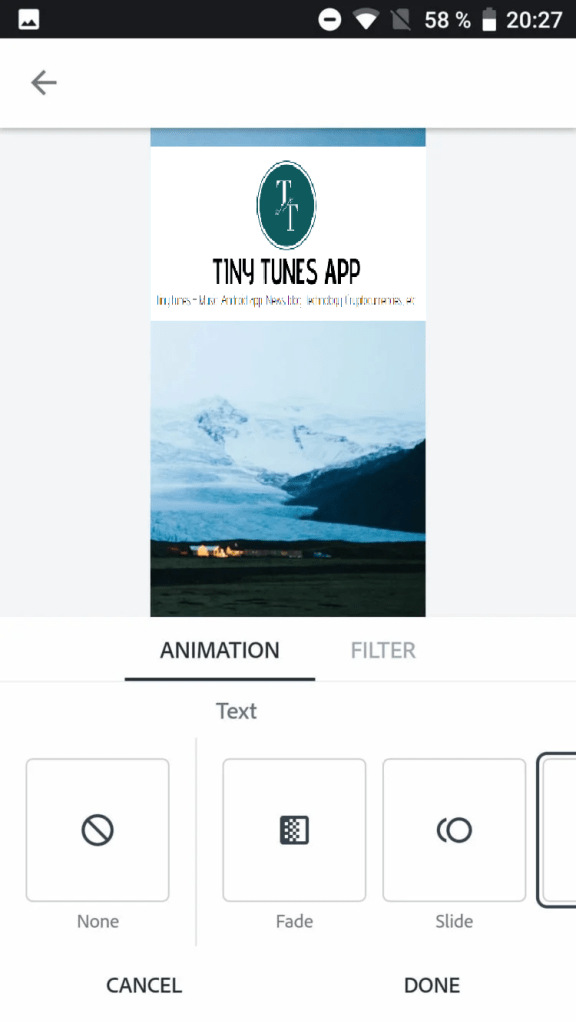
With the help of “Palette” you can change the color palette of the background fill of the text and the text itself on the image. In “Resize” you can change the size of the poster set at the initial stage. The “Layout” button adjusts the poster’s grid and section spacing, while clicking the “Effects” button will bring up tools that you can use to animate the poster’s text and save it as a short video.
This completes the functionality of the application. I found Spark Post to be extremely functional and useful for those who are engaged in professional design of social networks. However, it is also suitable for ordinary users who want to decorate life at least in social networks.
App: Adobe Spark Post: Graphic design made easy
Developer: Adobe
Category: Art & Design
Version: 1.2.1
Price: Free
Download: Google Play
-
5 Internet Saving Apps

5 Internet Saving Apps.
Not every smartphone owner uses tariffs with unlimited traffic. Basically, we are talking about restrictions in data transfer that prevent the normal use of the device. How to save precious megabytes on an Android smartphone? There are a number of applications for this, which we will talk about today.
Content
- 1. DataEye
- 2. Datally
- 3. GlassWire
- 4. Browsers
- 5. Lite apps
- 6. Shells
DataEye
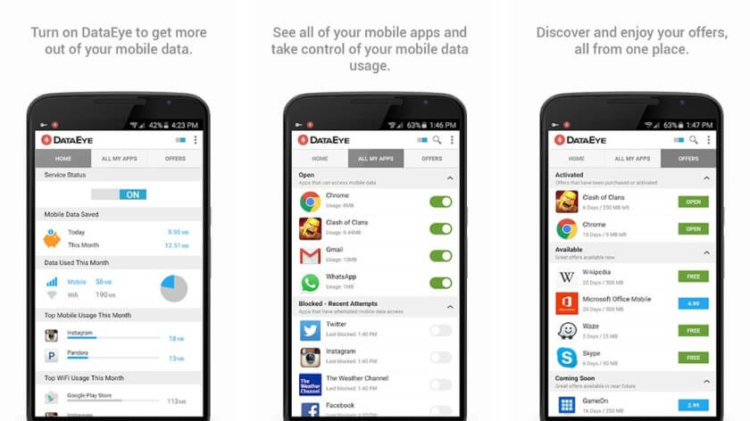
This application controls the data transfer on the smartphone in real time. It displays statistics for each application. In the settings, you can turn off data transfer for applications that are rarely used.
Datally
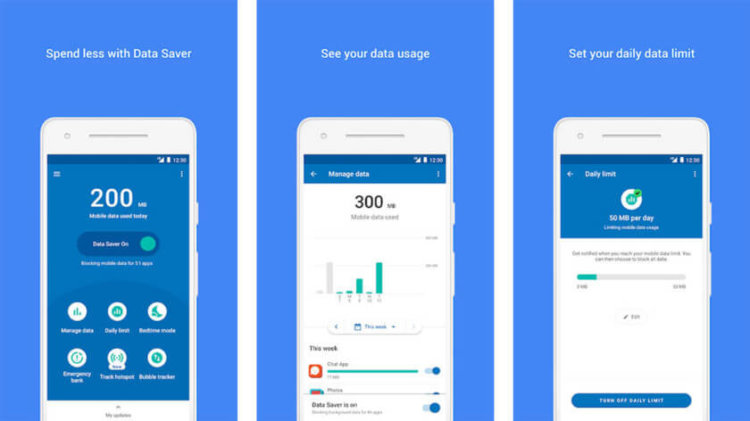
This app is from Google. It displays statistics on Internet usage. The application is able to block background data transfer while you sleep. The app uses a VPN to block data transfer.
GlassWire
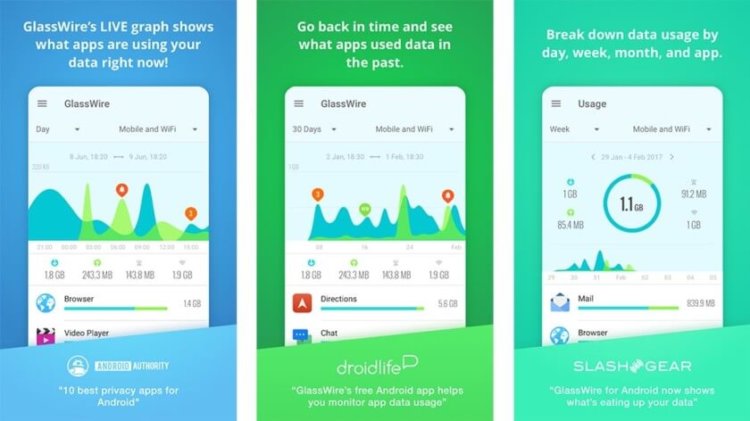
A feature of the application is simplicity and built-in security features. GlassWire analyzes the traffic and warns the user about questionable consumption.
Browsers
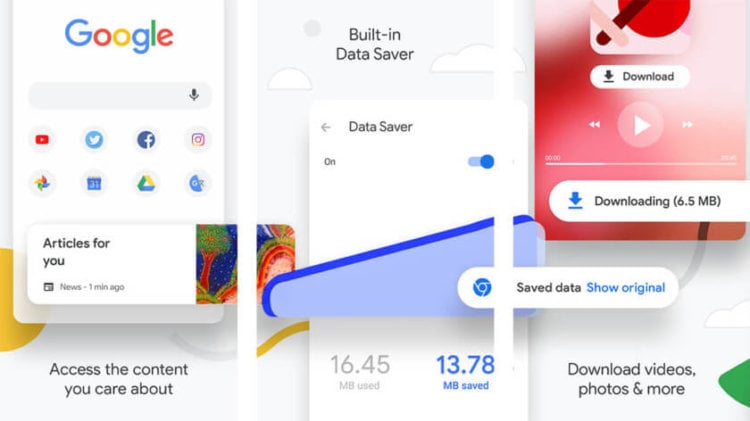
Many browsers already have built-in battery saving mechanisms. A good example is Google Chrome, which prompts you to immediately activate the data saving mode at the first start.
Lite apps
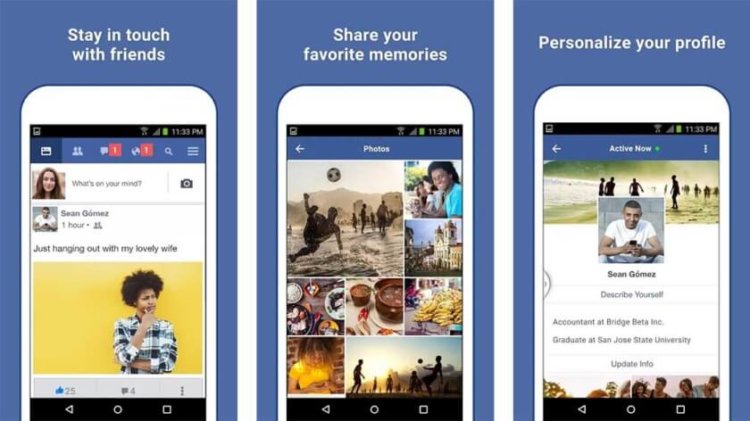
Recently, Lite-versions of applications have become widely distributed. An example would be Facebook Lite and Twitter Lite. Twitter Lite may not display images to save traffic.
Shells
Some shells are able to display the download and upload speed of traffic in the status bar. This statistics well reflects the behavior of the smartphone at a particular point in time. The shell settings in the applications section also display information on traffic consumption, so most users may not even need third-party applications.
And how do our readers control data transfer? For example, I try to use the mobile Internet less often, because, as a rule, at home and at work there is Wi-Fi, to which the smartphone connects automatically. My plan offers 3 GB of data per month, which is enough between home and work.
-
Notion – the best cross-platform notes

Notion – the best cross-platform notes.
It’s hard to imagine a more convenient and enjoyable note-taking solution. And it’s not just about smartphones. Notion has a website, app for macOS and Windows. Developers have even released mobile apps. We have tested the Android version. It’s safe to say that the application is Web-based, so the user experience is more like Progressive Web Apps.
Well, now let’s study Notion. For mobile platforms, the application is completely free, but developers need to earn money, so the desktop and web versions have some limitations, for example, you can use Notion for free up to 1000 entries, and then $ 4 per month. The price tag is quite small – about 3$ per month.
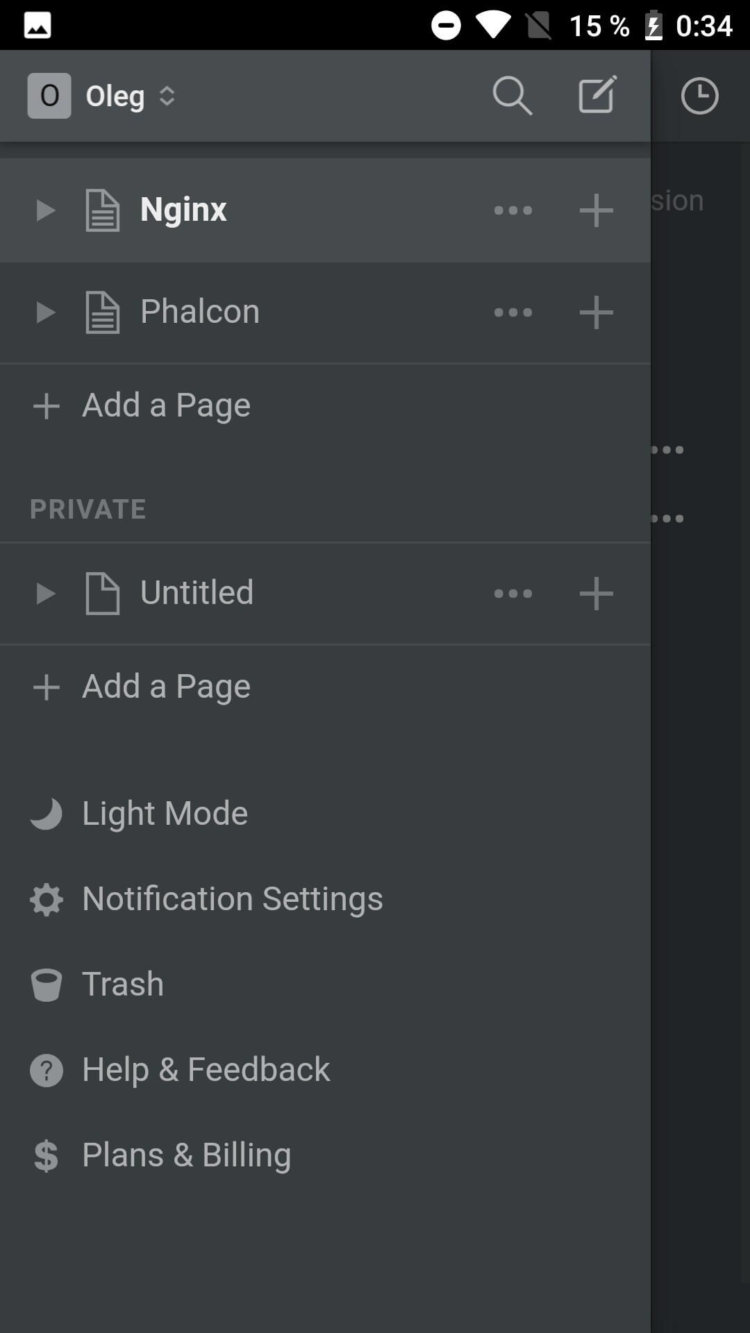
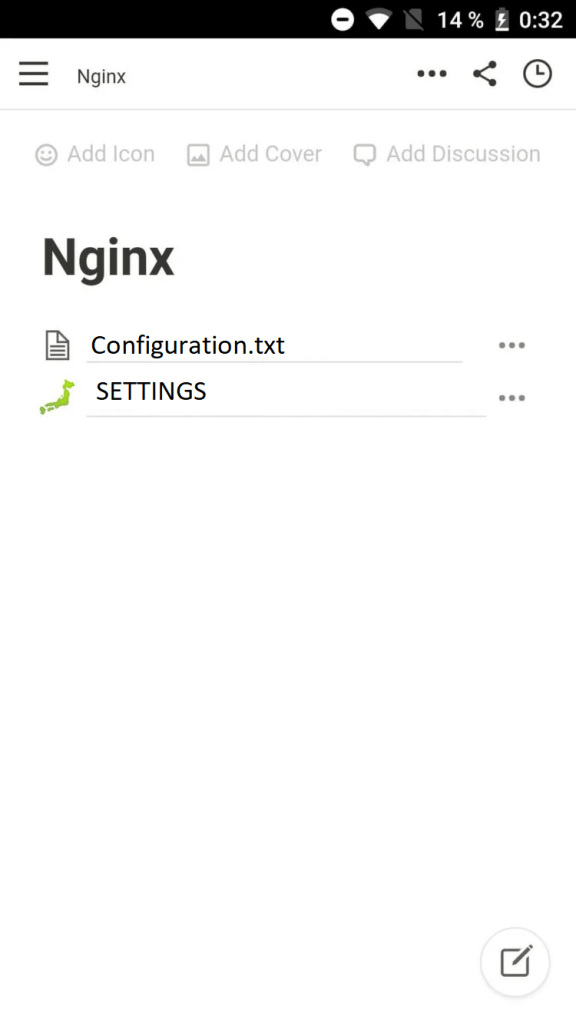
The application is a note with the ability to embed various content. The notes themselves can be inserted into each other, forming an endless nesting of pages. On the pages you can place text, to-do list, numbered and dotted list, quotes, separators, tables, galleries, calendar, images, audio, code, file, video, you can style text in markdown format; and this is only a small part of the functions. In a word, the possibilities of the application as a notepad are endless.
Now a little about interaction with other users. Let’s say we want to share a note. To do this, you can just provide a link to another person, by clicking on which he will open a note. But before that, you should set the appropriate rights to the note. You can make a note fully accessible to everyone, or to a specific person.
For me personally, the presence of a dark theme was a nice bonus. In general, from the point of view of design, there are no questions to the application. Notion is just perfect.
.Application: Notion – Notes, Tasks, Wikis
Developer: Notion Labs, Inc.
Category: WorkVersion: 0.3.7
Price: Free
Download: Google Play
-
Samsung smartphones are getting an important branded app update. List of changes

Samsung smartphones are getting an important branded app update. List of changes.
Last week was remembered for a lot of important updates. For example, Instagram developers have added “music stories”, a countdown timer to significant moments, and the ability to interact with subscribers during live events. Worked hard and Google employees. In Maps, the sharing menu has been updated and the speed of work has increased, while Lens has acquired a new interface. Now it’s Samsung’s turn to surprise – company representatives pleased with the new version of the Samsung Internet browser.
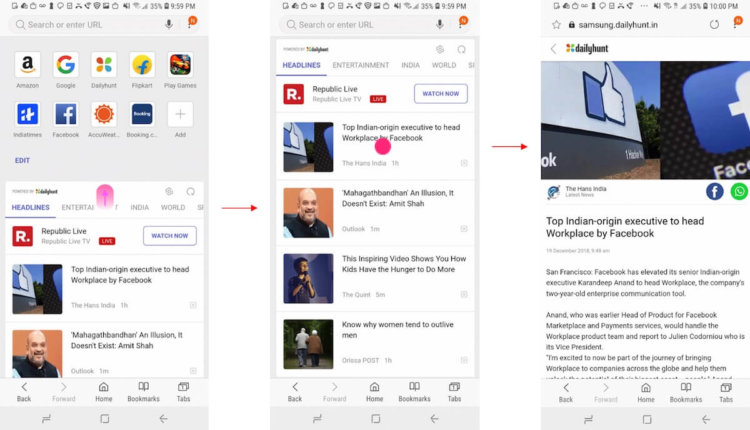
Samsung Internet is a competitor to Chrome or Firefox. At a minimum, this is due to the fact that the application is suitable for smartphones from different manufacturers. The day before, the developers shared a stable version of the browser numbered 8.2. There was a place for general improvements and useful innovations in it. The program is available for download at the link .
First of all, the app now has a Do-Not-Track mode. Ideally, the feature should increase the anonymity of smartphone users: resource owners will not know about your preferences, and advertisers will not be able to show personalized ads. At the same time, sites are not required to support this feature, so the effectiveness of the mode is still in question.
Increased file download speed. If the owner downloads something larger than 13 megabytes, the smartphone will split the file into several parts and download each of them separately. As a result, the performance will increase by 15-40 percent, according to the Android Community.
The developers have made the integration of the Bixby voice assistant deeper. Now, after starting the assistant, the user will be able to ask him to open a browser and search for the desired query.
News has also appeared in the quick access section. So far, the feature is only available for the US and Indian markets, so we’ll have to wait for it. Will you wait? Or does it make no sense to get off Chrome?

 Tinytunes.app