
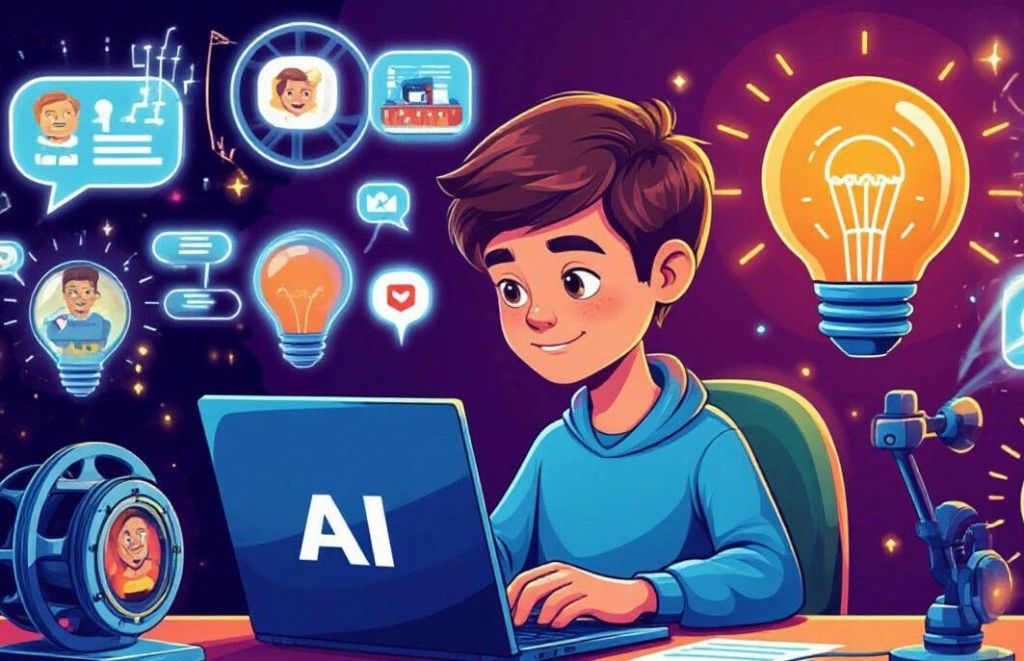
Have you ever dreamed of becoming a YouTuber, but felt held back because you don’t know how to edit videos or create animations? You’re not alone — and the good news is: you don’t need to be a professional animator anymore. Thanks to modern AI tools, anyone can start making eye-catching content like cartoons and YouTube Shorts — even with zero experience! 🌟
In this guide, we’ll walk you through how to use AI for creative video production, step by step. Whether you want to tell stories, share knowledge, or simply entertain, your channel can come to life with the help of artificial intelligence.
🎯 Why Use AI for YouTube Content?
AI tools are rapidly changing the way content is created. Here’s why they’re perfect for aspiring YouTubers:
• No technical skills needed 🧑💻
• Fast results — turn ideas into videos within minutes
• Free or affordable options
• Creative freedom — your imagination is the only limit!
Let’s dive into how you can actually create your first AI-powered cartoon or short video.
🛠️ Step 1: Come Up With a Fun Idea
Before any tool is involved, you need an idea. What do you want your video to be about?
• A funny scene with talking animals? 🐶🐱
• A motivational quote turned into a short animation?
• A tiny fairytale in 60 seconds?
• An explainer for a complex topic like climate change?
Keep it simple. Shorts are short (less than 60 seconds), so choose a moment, a single message, or a mini-story.
🎤 Step 2: Write a Short Script (or Let AI Help You)
If writing isn’t your strong suit, you can use ChatGPT or other AI writing tools to help you draft a script in seconds. Just describe your idea, and AI will generate a natural-sounding dialogue or voice-over text for your cartoon.
You can even say:
“Write a 30-second cartoon script where a cat gives life advice to a dog” — and you’ll have something funny and original in no time! 🐾
🎨 Step 3: Turn Script Into Animation Using AI Tools
This is where the magic happens. You can now turn your script into an animated video using AI-powered animation tools. Here are a few beginner-friendly options:
• Animaker – drag-and-drop cartoon creator
• Toonly – simple 2D animation tool
• Renderforest – templates for explainer-style videos
• Pika, Kaiber, or Sora AI – for text-to-video generation
• HeyGen or Synthesia – if you want AI avatars speaking your script
These platforms often let you choose characters, emotions, backgrounds, and voiceovers with just a few clicks. Most offer free versions or trials — perfect for testing your creativity without risk. 🎨✨
🗣️ Add Voice with AI (If You Don’t Want to Record Yourself)
Not a fan of your voice? No problem. Use AI voice generators like:
• ElevenLabs
• PlayHT
• LOVO
You paste your script, choose a voice (male/female, serious/funny), and download the audio to add it to your animation. You can even clone your voice later if you want a more personal touch.
📱 Step 4: Edit and Upload Your Video
After generating your cartoon, you might want to trim it, add music, or subtitles. Free tools like CapCut, InShot, or Canva Video Editor are great for that and easy to use, even on your phone. Then upload to YouTube as a regular video or a Short.
Tip: Add a catchy title and thumbnail. You can also use AI image generators to make thumbnails that really stand out! 🧲
💡 Extra Ideas to Grow Your Channel
Now that you know how to create with AI, think about how to keep your channel growing:
• Make a series (e.g., “Cat Talks” every week) 🐱📅
• Ask your viewers questions at the end of each short
• Use YouTube’s trending audio in your Shorts
• Post regularly and reply to comments
You don’t have to go viral overnight. What matters is consistency, creativity, and having fun in the process!
🚀 You Can Be a Creator — Starting Today!
You don’t need expensive equipment, years of editing experience, or a team of animators to become a YouTuber. With AI, you can be the writer, the director, and the editor all in one — and do it all from your phone or laptop. ✨
So if you’ve ever wanted to start a channel, share your voice, or make people laugh with your own cartoons or Shorts — the tools are in your hands. Literally.
It’s time to hit record on your dreams. 🎥🎉
 Tinytunes.app
Pingback: AI Creativity Workflow: Build Your Author and Creator Brand Across Platforms 📱✨ – Tinytunes.app